The product
A giving page worthy of the work you do.
Find your charity and Givelayer builds its page from the official record. Make it yours in minutes, beautiful on every phone and every laptop. Then thank every donor properly and see what is working.
Find your charity
ExampleOn every phone
Beautiful in the hand that gives.
Most people meet your charity on a phone: a link in a bio, a message from a friend, a code on a poster. Every design is made for that moment, with your photo first and the gift a thumb away. Choose one of eight, and change it whenever you like.
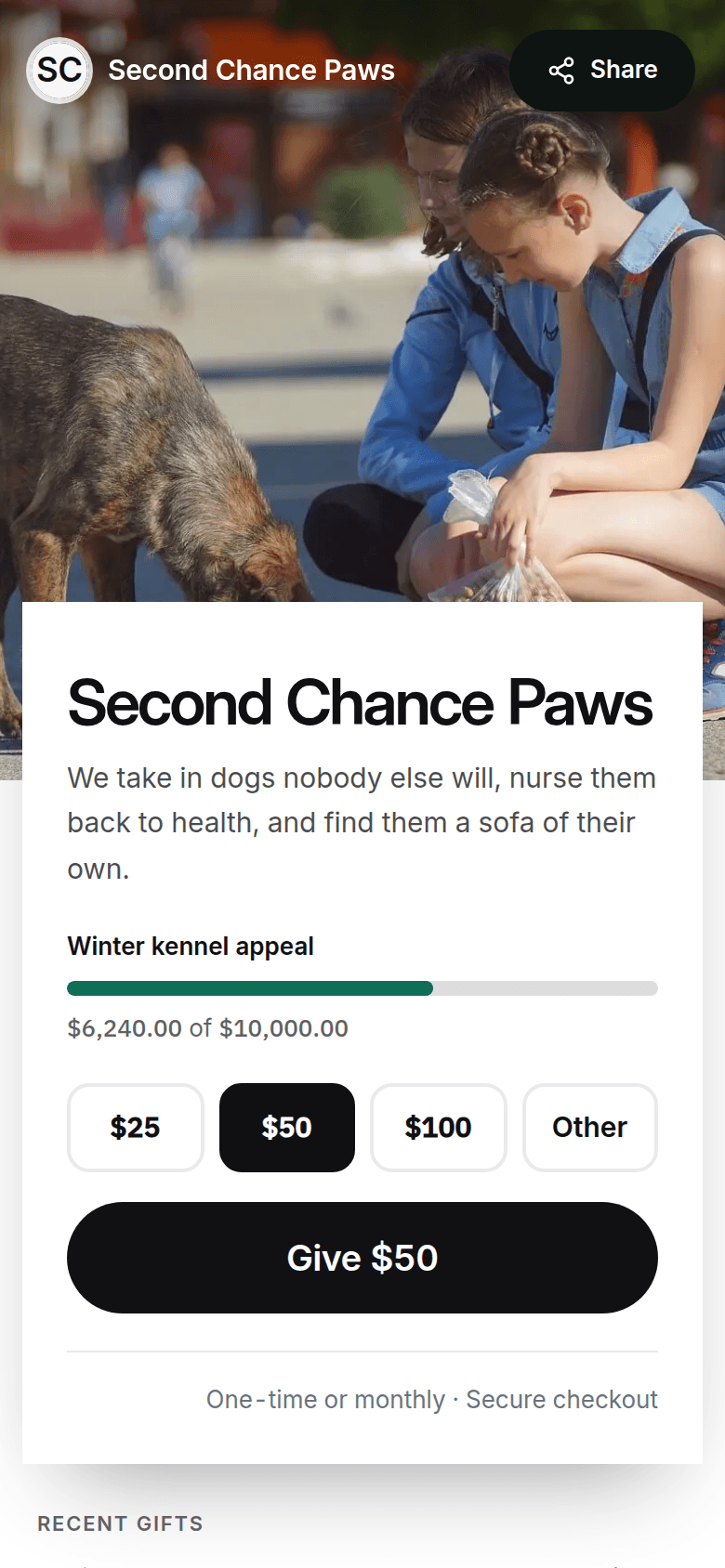
Placard
Your photo, front and centre
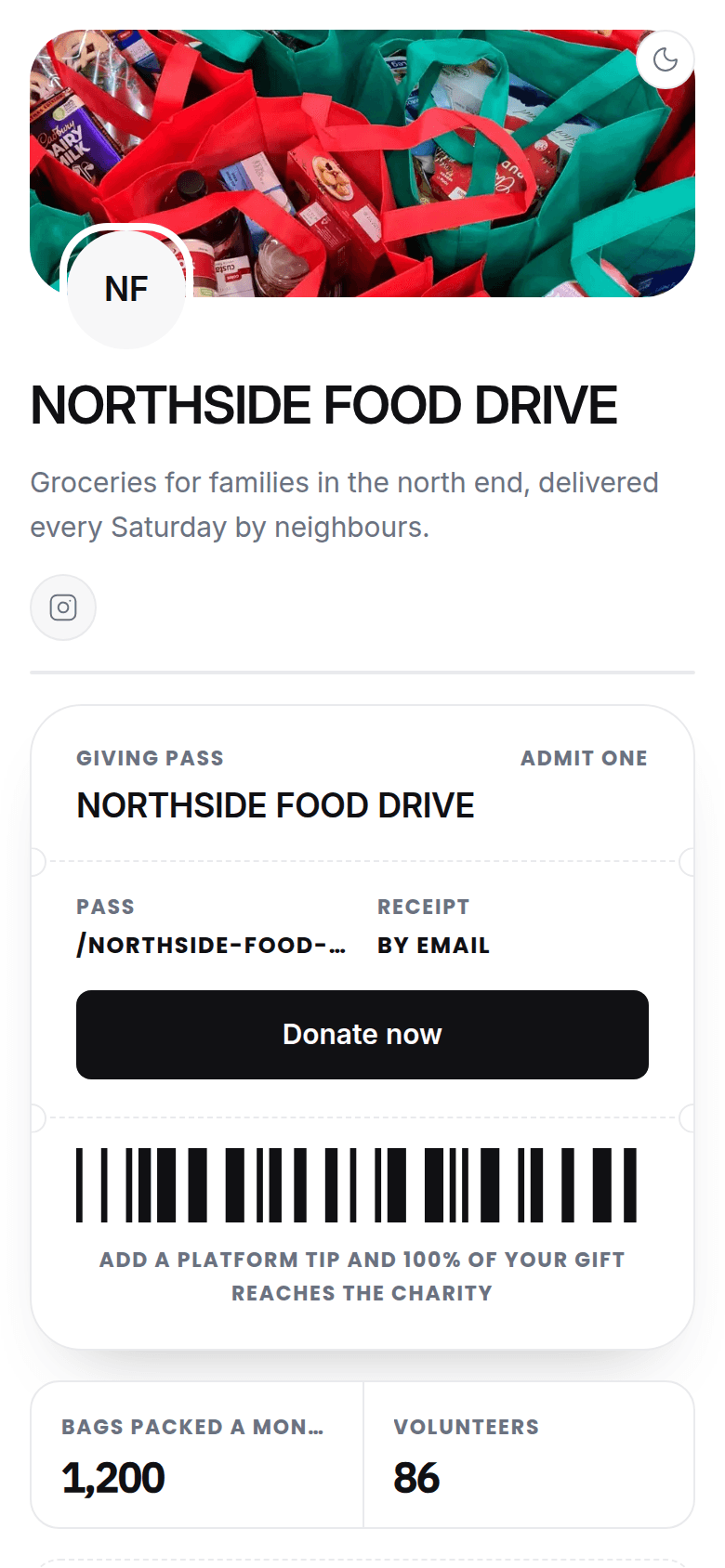
Giving pass
A ticket to the cause
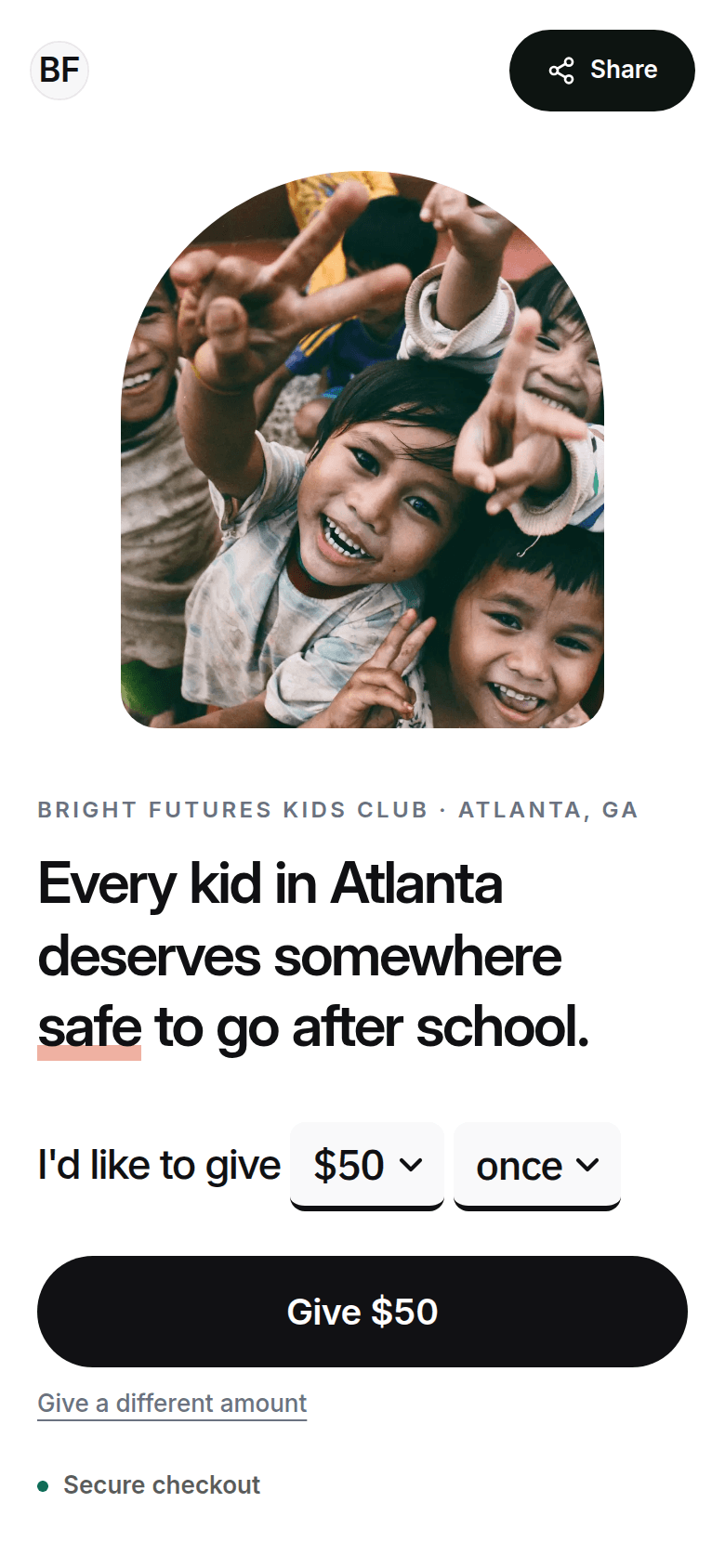
Statement
Your mission in one sentence

Stories
Full-screen, like a story feed
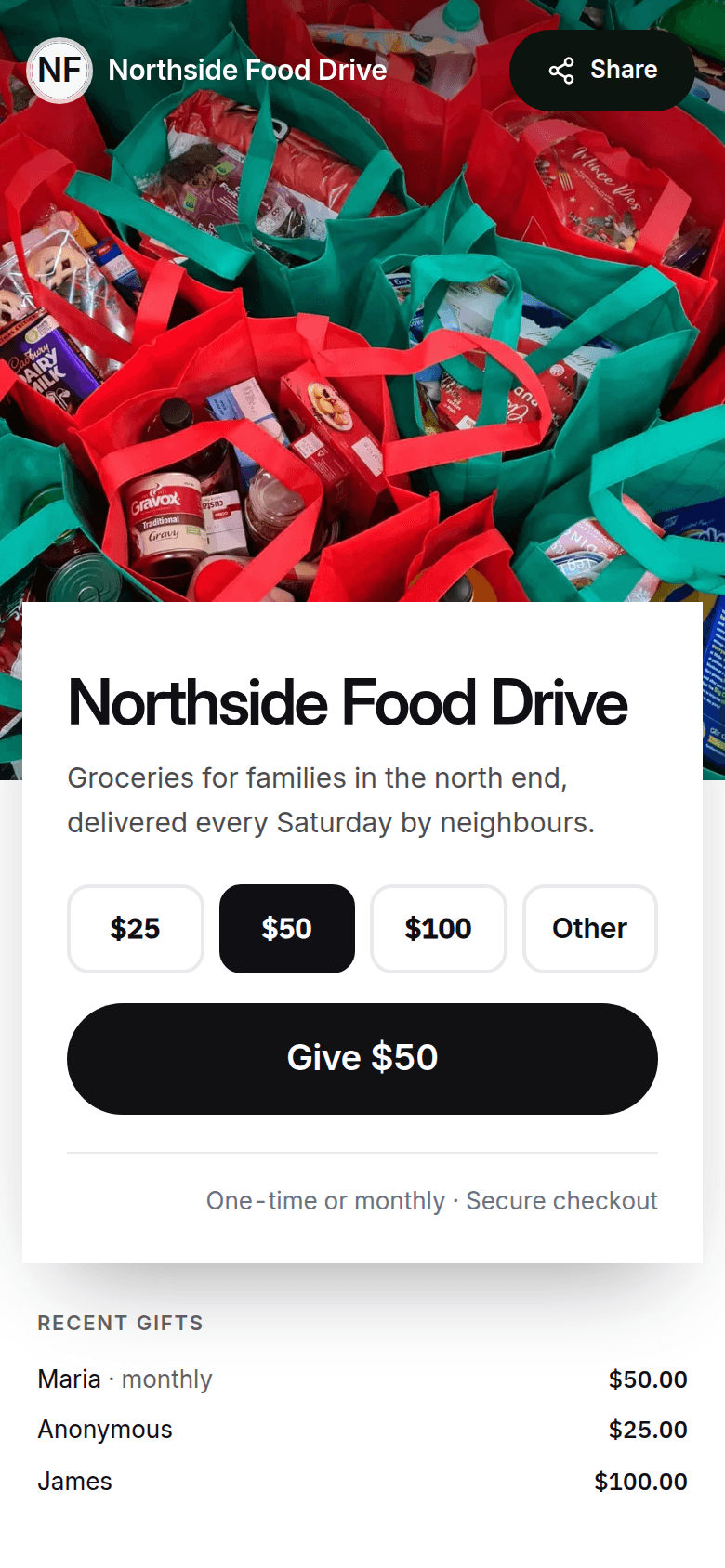
Tide
Calm waves, no photo needed
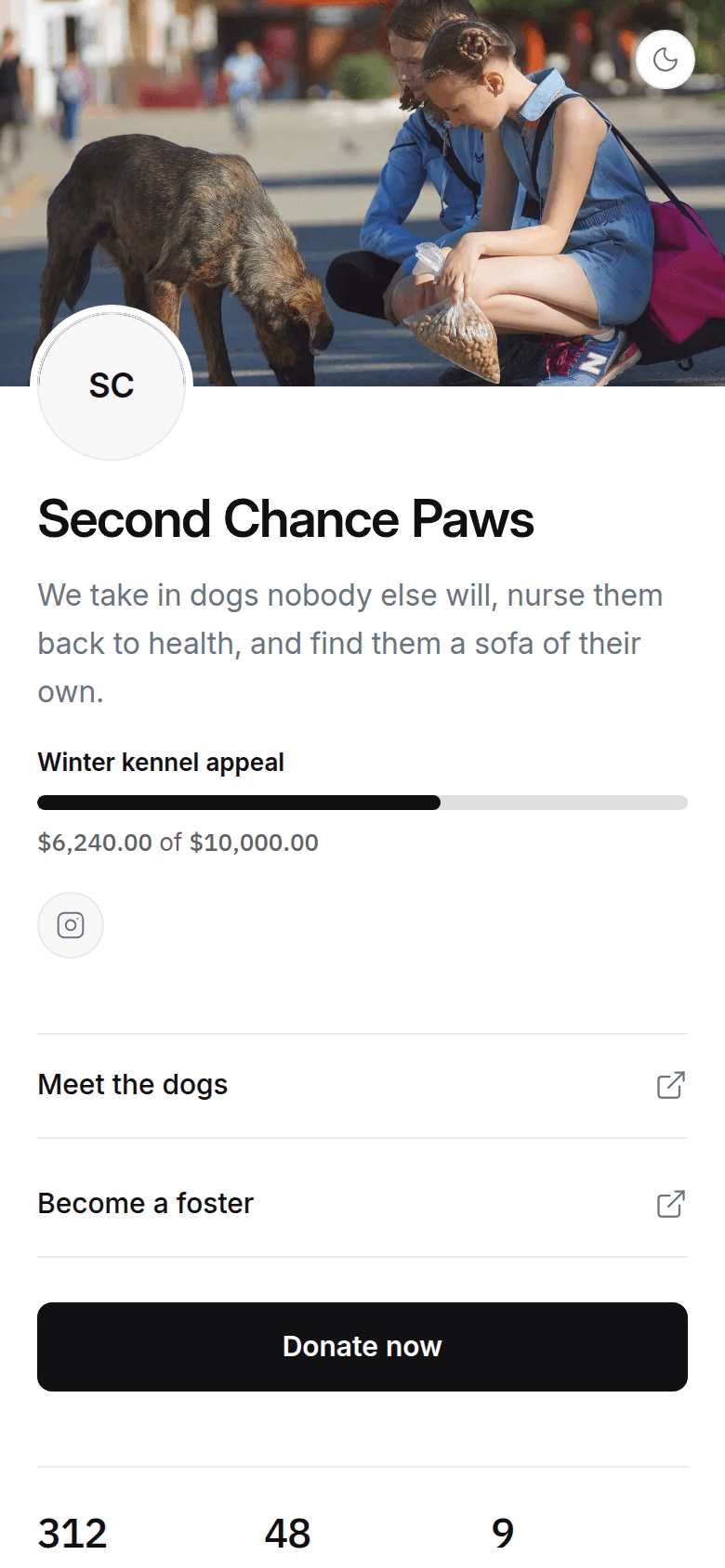
Classic
Your numbers, video and story
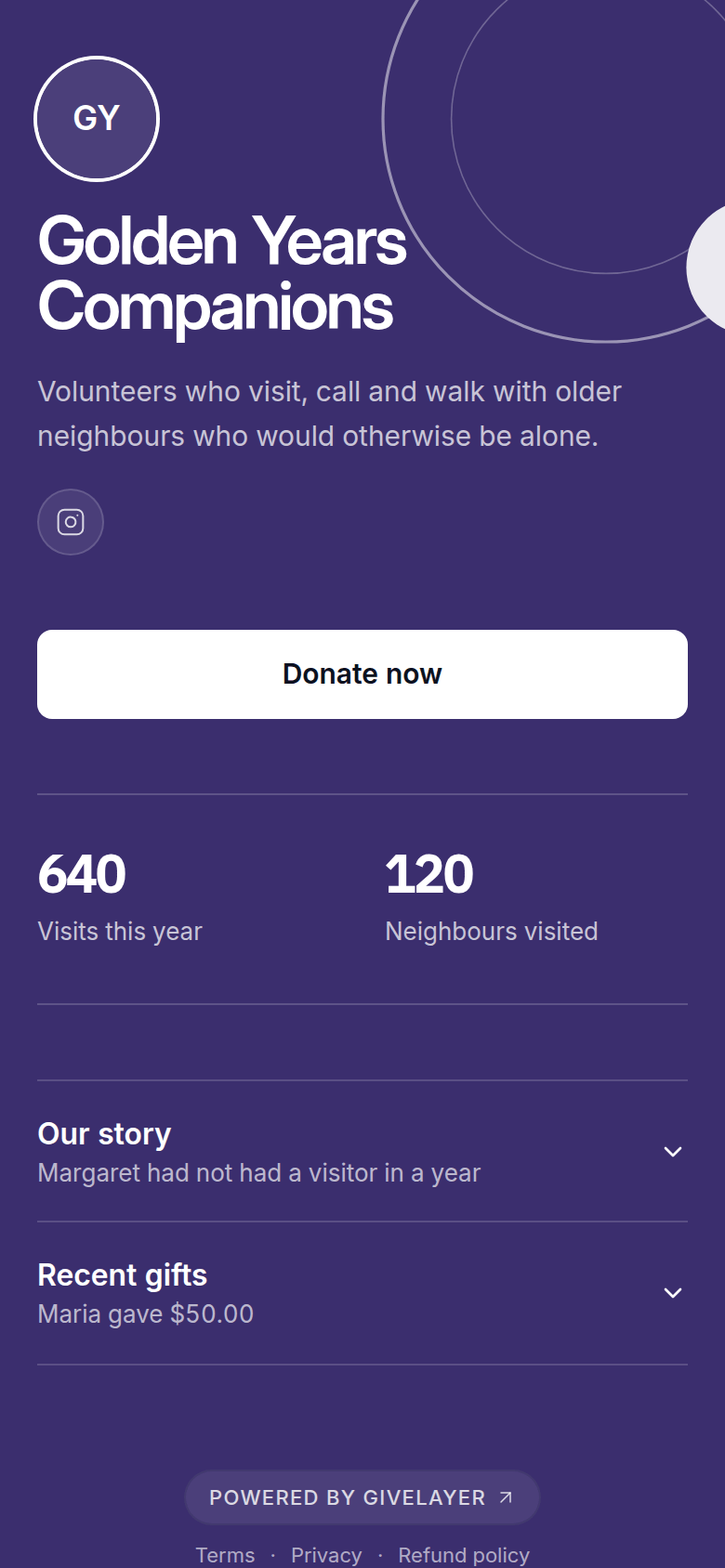
Orbit
Rings and planets at dusk
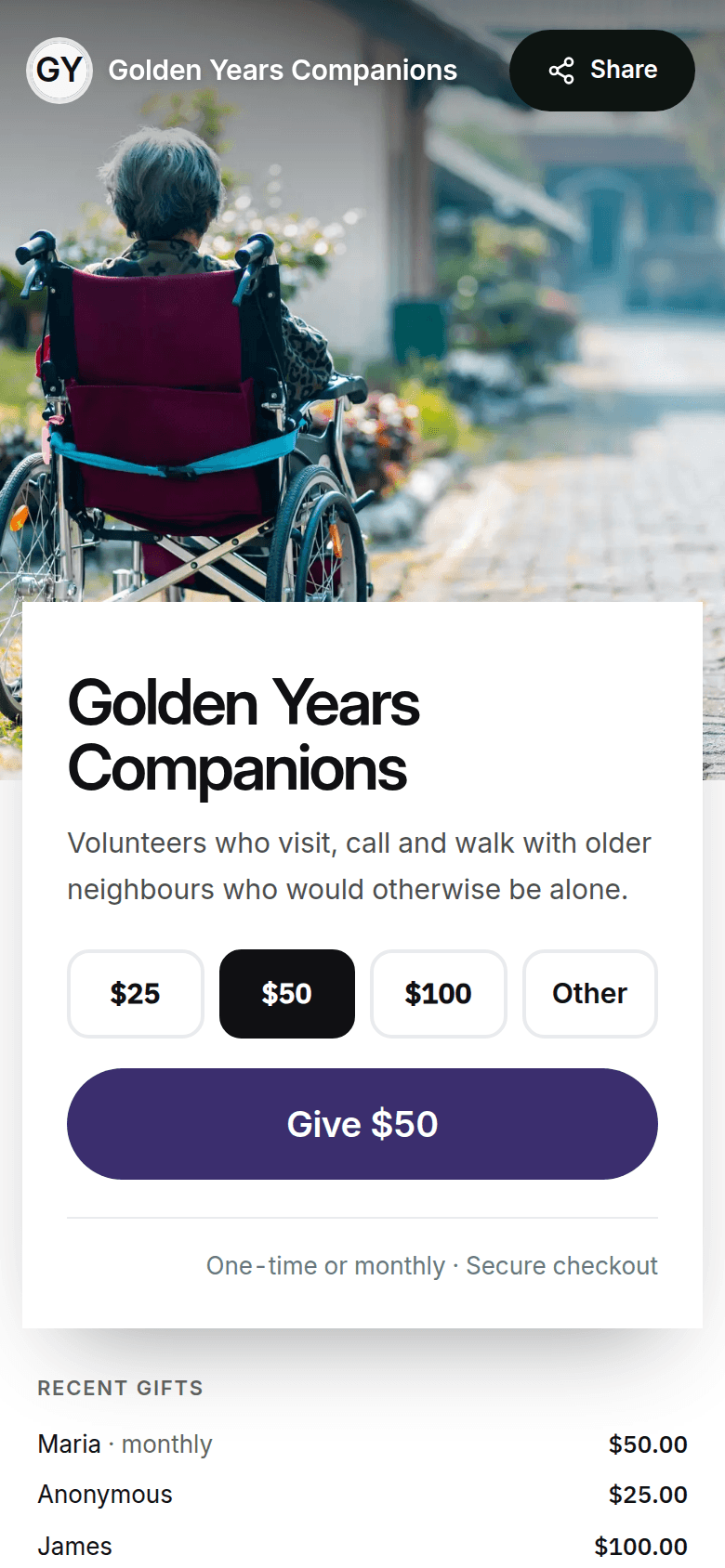
Color field
Your colour, edge to edge


Example charities. Every screen is the live product.
On every desk
And just as good on a laptop.
Board members, grant makers and the people who give from work open your page on a wide screen. They get a page laid out for it, with your photo, your story and the give panel side by side, not a phone page stretched to fit. The design you choose sets both.

Tell the story
Give people a reason, not just a button.
People give to people. Your page has room for the story behind the work and the proof that it works, so a stranger who arrives from a link leaves knowing why you matter.
Your story
A photo, a few honest lines, and a quote from someone you helped.
Impact numbers
The figures you are proud of, set large enough to land.
A video
Your voice on your page, so people meet the team, not a form.
Updates
What changed this week, with a photo, while it is still news.
Where a gift goes
How a gift is split, and what $25 or $50 actually does.
A fundraising goal
A progress bar for the appeal, with an end date if it has one.

One page, top to bottom. An example charity.
After the gift
Every donor thanked, by name, in your voice.
The minute after a gift is when someone decides whether they will give again. Most donation forms spend it on a grey confirmation number. Yours spends it on them.
- Thanked by name the moment the gift clears
- The receipt in their inbox before they close the tab
- A video message from you, and a button to what comes next
- One tap to bring a friend along
- A donor account that keeps every gift and receipt


Your dashboard
Know what is working, and who to thank.
What came in, how many people give every month, your average gift, your best supporters and whether every donor got their receipt. Plain numbers, updated as gifts land, without a spreadsheet.

Sample figures from the product walkthrough.
Monthly recurring
What your monthly donors give each month, and how many there are.
Raised and average gift
Totals for any period, with the gift size most people choose.
Your best supporters
Who gives most, so you know who to thank first.
Receipt health
Every receipt sent, or a plain note of what is missing.
When and how people give
Busiest days, gift sizes, and new against returning donors.
Year-end export
Every gift and receipt, ready for your books or your auditor.
Who runs it
Built for the people who keep a charity going.
Founders move on, volunteers come and go, and the treasurer is rarely the person who built the page. None of that should mean starting again, or losing the page your supporters know.
Handover
ExampleHand it on, free
The page, its history and its link move to the next owner in a couple of clicks, on every plan.
Access request
ExampleNo second page by accident
When someone finds your charity already here, they ask your team to let them in instead of starting again.
Receipt signature
ExampleA signature without an account
Send your authorized signer a link. They sign once, with no account to create.
Checkout, processing, monthly giving
Modern donation tools for charities
A modern donation tool gets out of the donor’s way. On Givelayer they give on your own page in a few taps, without creating an account and without being sent to another site.
Gifts are paid into your own payout account. When a donor adds a tip, it covers Givelayer’s fee and the card processing, and your charity receives 100% of the gift. Without a tip, Givelayer charges 2% and card processing is passed through at cost.
Donors can choose monthly at checkout. Each month’s gift is charged automatically and gets its own receipt. Currently accepting donations in the United States. Canada coming soon.
Questions about fees are on the pricing pageQuestions charities ask
See your page before you finish reading this one
Type your charity’s name and your page appears in about 30 seconds, with no account needed to look. Any charity, anywhere in the world, can have a page and a short link today. Currently accepting donations in the United States, with Canada coming soon.
Free to join · No card required · No setup fees